Virtual team building is any activity that brings a distributed team together to connect and have fun — run entirely over the internet, so it works whether people are at a desk in the office or dialing in from their kitchen table.
The hard part isn't picking an activity. It's getting remote people to actually join in instead of sitting muted with their camera off. Across 100+ games we've run — about half of them with at least one person on a remote screen — that's the difference between a session that lands and one that fizzles.
This guide covers what virtual team building really means, why it's trickier than it looks, what we've learned doing it for real distributed teams, and how to run one yourself with yalabo in a few minutes.

What Counts as Virtual Team Building?
Virtual team building is simply team building that happens over a screen instead of in a room — no travel, no booking a space, no one left out because they work from home. The formats that work share three traits:
- One link, zero setup. Everyone joins from any device — no installs, no accounts.
- Built for a screen. It's designed to be played remotely, not an in-person game awkwardly forced onto a video call.
- Everyone plays at once. No watching others have fun — the whole point is shared participation.
If you want the wider menu of formats first, start with our hub guide to team building activities for work.

Why Virtual Team Building Is Harder Than It Looks
In an office, energy is free — people feed off the room. Over a screen you start from a colder place: cameras off, attention split between the call and a dozen Slack pings. The activity has to earn engagement, not assume it.
This is the single biggest thing we've learned. Even with a game as intuitive as ours, with a global or remote team the organizer's real job isn't running the activity — it's getting people to show up, log in, and stay tuned in. Pick something with a strong opening and a reason to get pulled in, and the screen stops being a barrier. Pick something passive, and you get the same disengagement we wrote about in why employees don't engage in team activities.
And the engagement is worth the effort: in one roundup of team-building research, 75% of employees who took part reported better communication with colleagues (Peak Sales Recruiting).

What We've Learned Running Games for Remote Teams
Across our first 100+ games, two things stand out for distributed teams:
- Remote players stay part of the fun. In about half of our games, at least one person joined remotely — and because everyone plays from the same shared link, the remote folks aren't a muted face in the corner. They're in the same race as everyone in the room.
- The atmosphere holds up better than you'd expect. The assumption is that if you're not in the room, the energy drops. It doesn't, really — it's just different, and it stays warm and engaged. It's not 100% the same as being there in person, but it's surprisingly close, and genuinely great to watch happen over a screen.
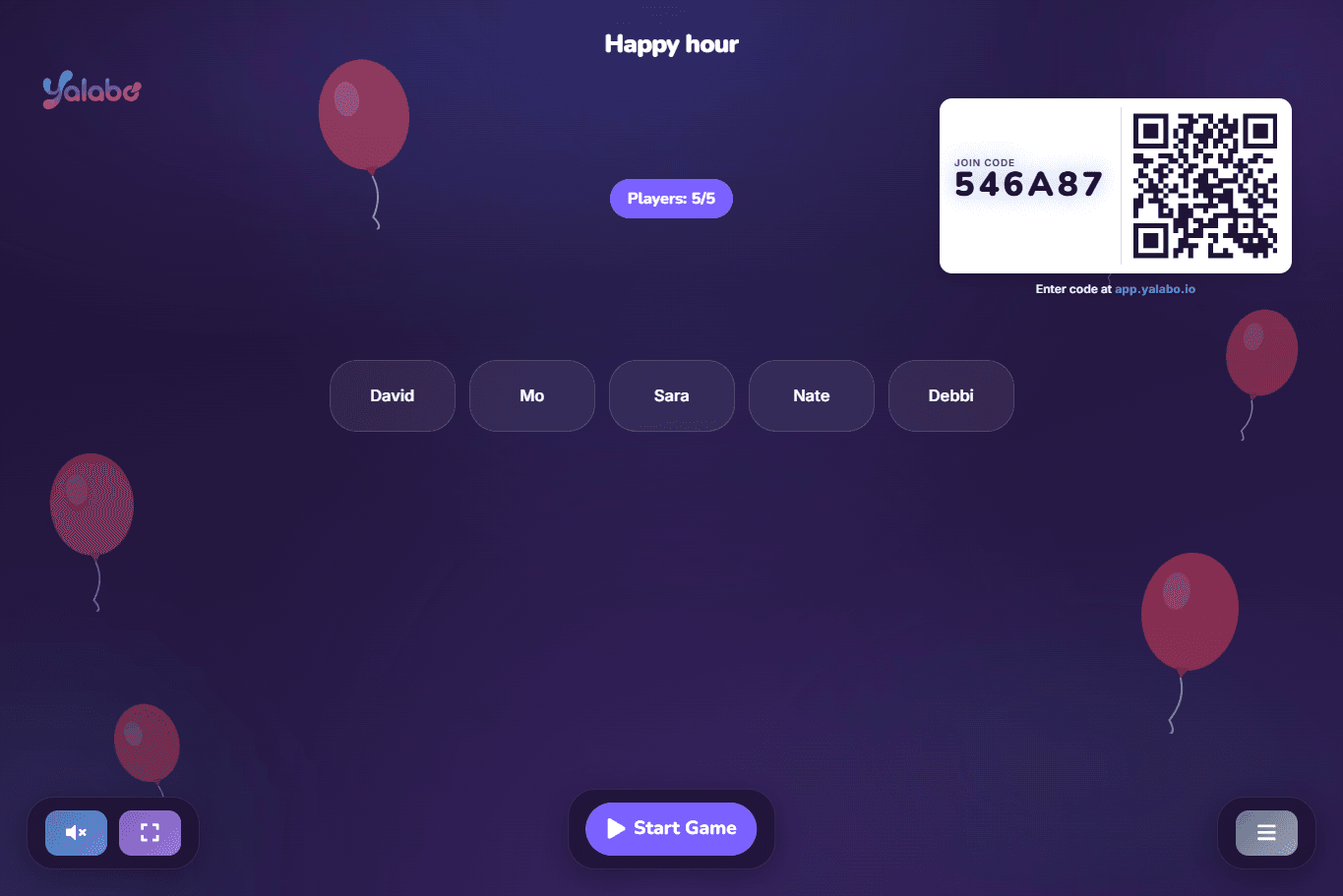
Because the whole thing runs in the browser from a single link, the screen is the room. That's why distributed teams keep coming back to it.

A Real Example: SSV Labs
SSV Labs runs a global team with people spread across locations — exactly the setup virtual team building exists for. They wanted something their whole team could play together, in one place, regardless of where anyone was sitting. Their Global Operations & Culture Manager put it simply:
"Finally a real replacement for Kahoot. The team loved it and it made our holiday event so much better."
— Tamar O., Global Operations & Culture Manager, SSV Labs
Why Distributed Teams Choose yalabo
The teams that come to us almost always have one thing in common: they're global, and they want to play with their people, not at them.
- One game, every location. A global team can all jump into the same session — no one sits out because of where they are.
- Hebrew and English, side by side. The platform runs fully in both languages, so a mixed Israeli-and-international team is never split by language.
- Everyone included, every time. Because joining is just a link, you can involve the whole team — not only the people who happen to be in HQ.
How to Run a Virtual Team Building Session
You don't need a facilitator or a planning doc. The fastest way to start is a Wikipedia Race — everyone races from the same article to a target page using only the links inside each page. It's quick to explain, impossible to put down, and works identically for remote and in-office players. (Full walkthrough: how to play Wikipedia Race.)
The flow is the same for any of our games:
- Pick a game and a theme in the setup wizard — under a minute.
- Share one link — everyone joins from any device, no accounts.
- Play together and watch the field move in real time.
- Crown a winner and take the rematch demands.
Tips for Keeping Remote Players Engaged
The hard-won ones, specific to remote:
- Get them in first. Send the link in the chat and say it out loud — the friction is joining, not playing. Once people are in, the game carries itself.
- Keep it short. 15–20 minutes total. Attention is thinner over a screen, so end on a high.
- Let competition do the pulling. A clock and a target draw cameras-off lurkers into the game faster than any icebreaker question.
- Don't recreate the office — use the screen. The best remote activities treat everyone the same, so there's no "you had to be there."
Getting Started
Virtual team building works when it's built for the screen and everyone's actually in it. Start a Wikipedia Race with your team, or see pricing — yalabo is free for up to 5 players.
Ready to play?
Pick a game and play with your team
Choose from our games, create one in seconds, share the link, and your team is playing in under a minute.